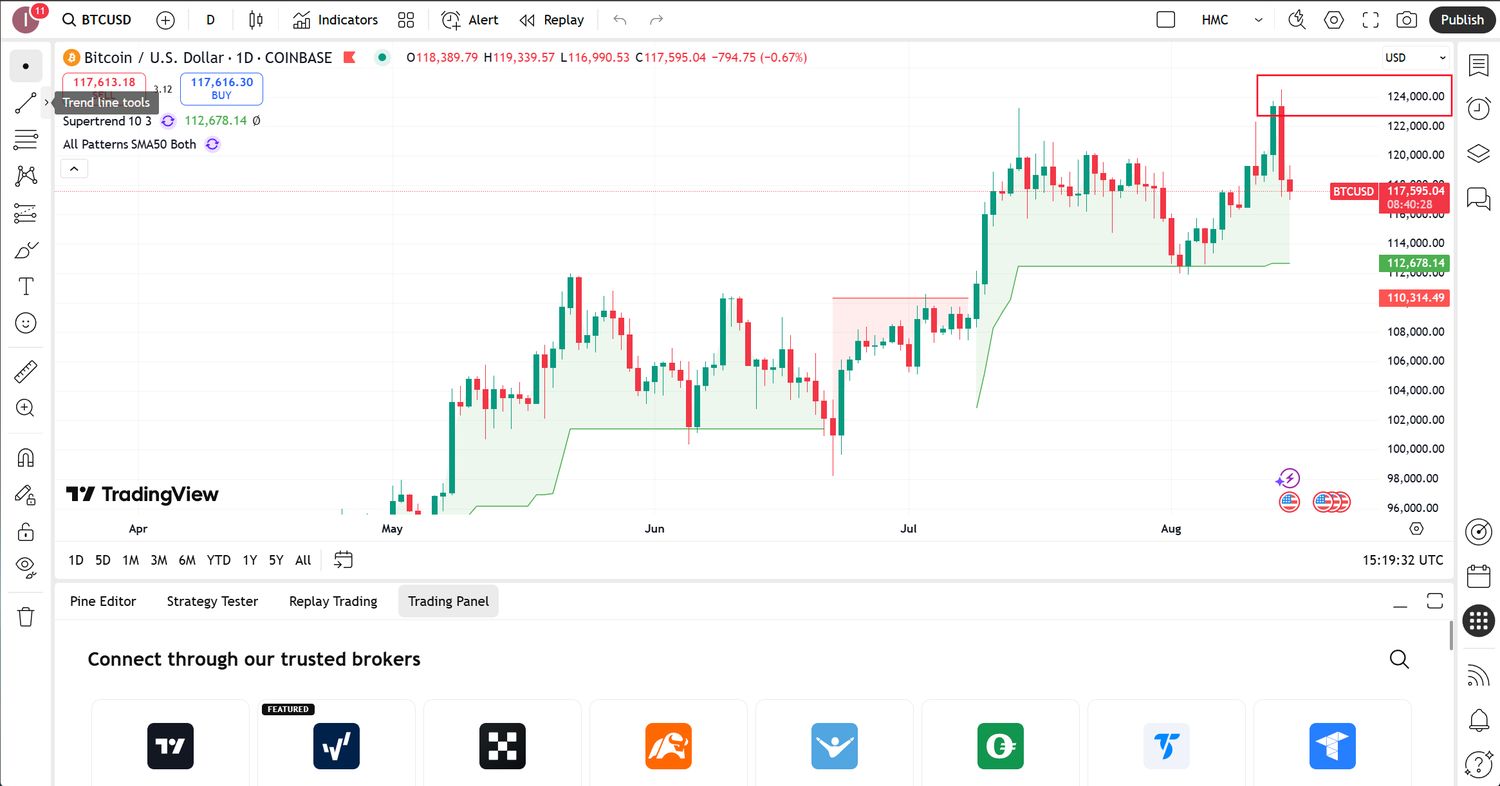
Entering the world of cryptocurrency can be an exciting journey, but it can also be a little daunting for beginners. One of the most popular platforms for buying, selling, and managing cryptocurrencies is Coinbase, which offers a user-friendly app for Android and iOS. If you’re a beginner looking for help with the Coinbase app, you’ve come to the right place. This guide will walk you through the basics of using the app and provide you with practical tips to enhance your experience.
Understanding the Coinbase App
Coinbase is a digital currency exchange headquartered in San Francisco, California. It was founded in 2012 and has grown to be one of the largest cryptocurrency exchanges in the world. The Coinbase app allows users to buy, sell, and store cryptocurrencies such as Bitcoin, Ethereum, and Litecoin.
Getting Started with the Coinbase App
Before you can start trading on the Coinbase app, you need to create an account. You can do this by downloading the app from the App Store or Google Play Store. Once you have installed the app, open it and follow the prompts to create an account. You will need to provide some personal information and verify your email address. After that, you’re ready to start exploring the app.
Buying and Selling Cryptocurrency
One of the main features of the Coinbase app is the ability to buy and sell cryptocurrencies. To do this, you will need to link a payment method to your account. The app accepts several payment methods, including debit cards, credit cards, and bank transfers. Once you have linked a payment method, you can buy or sell cryptocurrencies by selecting the ‘Buy’ or ‘Sell’ option in the app. You can also set up automatic purchases and sell your cryptocurrency at any time.
Storing and Managing Cryptocurrencies
In addition to buying and selling, the Coinbase app also allows you to store and manage your cryptocurrencies. You can view your balance, send and receive cryptocurrencies, and see your transaction history. The app also has security features such as two-factor authentication to keep your account safe.
Practical Tips
Here are some practical tips for using the Coinbase app:
- Start small: As a beginner, it’s a good idea to start with a small amount of money. This will allow you to get a feel for how the app works without risking a lot of money.
- Use two-factor authentication: To enhance the security of your account, enable two-factor authentication. This adds an extra layer of security by requiring you to enter a code sent to your phone whenever you log in.
- Stay informed: The cryptocurrency market is highly volatile. Stay informed about market trends and news to make informed trading decisions.
- Take advantage of the learning resources: Coinbase offers a range of educational resources to help you understand cryptocurrency. Take advantage of these to increase your knowledge.
FAQ
Is the Coinbase app safe to use?
The Coinbase app uses a variety of security measures to protect your account, including two-factor authentication and encryption. However, as with any online platform, it’s important to use strong, unique passwords and be wary of phishing attempts.
Can I use the Coinbase app in my country?
Coinbase is available in over 100 countries. You can check if it’s available in your country on the Coinbase website.
Do I need to verify my identity to use the Coinbase app?
Yes, you will need to verify your identity to use the Coinbase app. This is a standard procedure for regulated financial companies to prevent fraud and money laundering.
Can I use the Coinbase app without a bank account?
Yes, you can use the Coinbase app without a bank account. You can buy cryptocurrencies with a debit or credit card, or you can use PayPal in some countries.
Embarking on a new journey is always exciting, it’s the thrill of discovery, the joy of learning something new. The world of cryptocurrency can seem overwhelming at first, but with the right tools and resources, you can navigate it with ease. So take that first step, explore, and immerse yourself in the adventure.
Leave a Reply